All guides
Show the queue on a screen
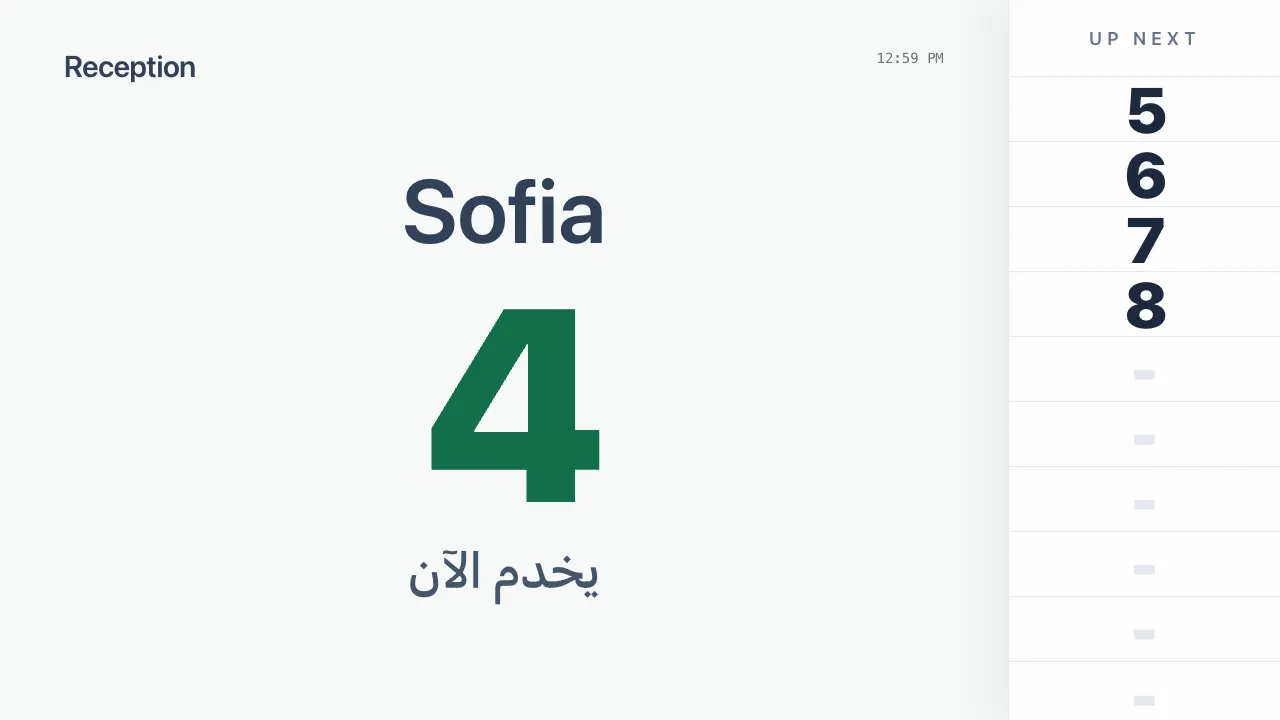
Put the current number and the next people on a TV in your waiting area.
Get the display link
- 1Open the queue and find the Wall display card.
- 2Tap Generate display link the first time.
- 3Tap Open display on the screen's browser, or Copy link and open it there. No sign-in is needed on the screen.
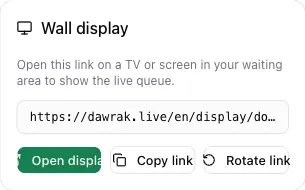
Anyone with the link can see the display. Rotate link replaces it and stops the old one immediately.
What the screen shows
The screen shows the name and number of the customer being served, and the next numbers in line. It updates live and shows a notice when the queue is paused or closed.