All guides
Join a queue
Scan the code or open the link, type your name, and you are in line.
Join in seconds
- 1Scan the QR code at the business with your phone camera, or open the link they shared.
- 2Type Your name. Phone (optional) helps the business reach you but is not required.
- 3If the business asks for a Verification code, enter the 4-digit code shown at the counter.
- 4Tap Join now.
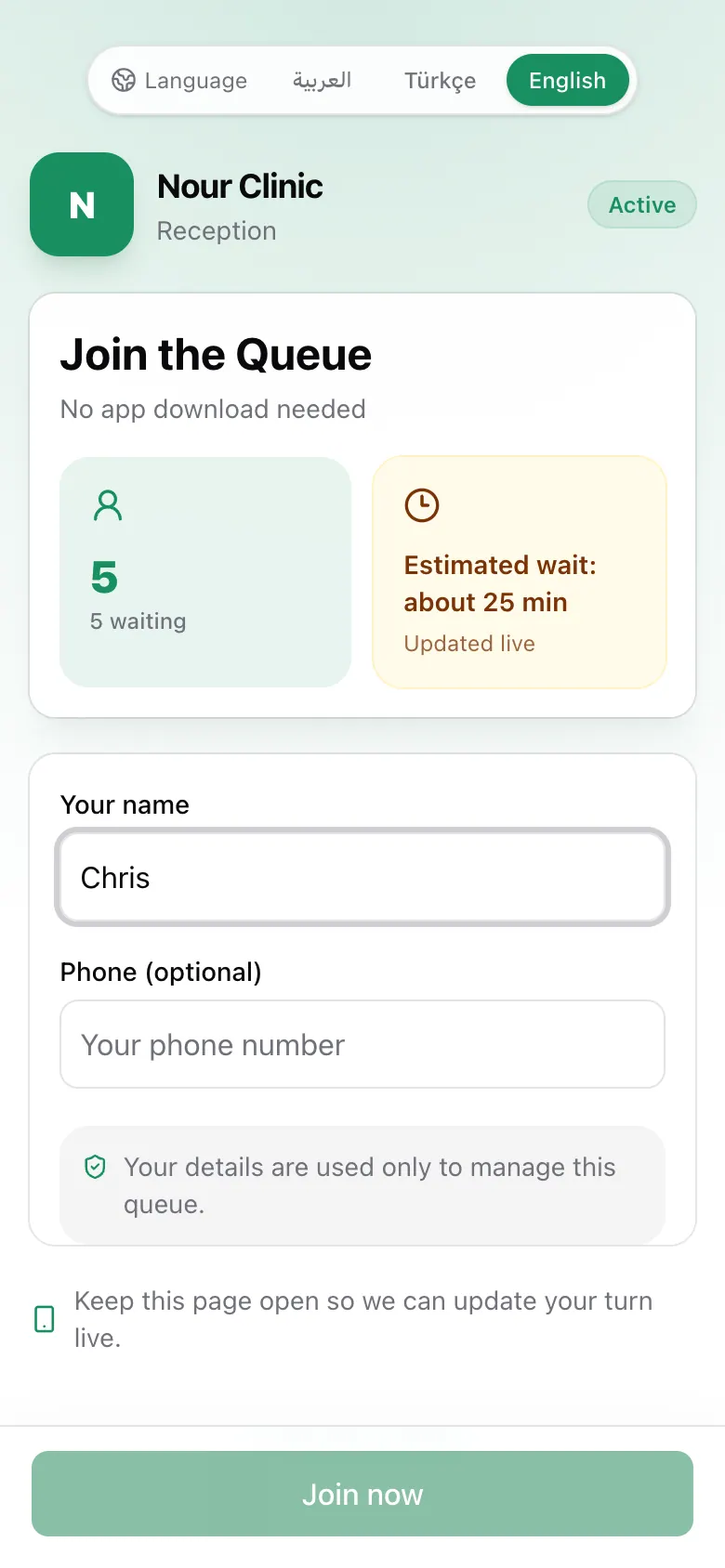
The page shows how many people are waiting and the estimated wait before you join. Use Language at the top to switch between Arabic, Turkish, and English. No app or account is needed.
If the business approves each person
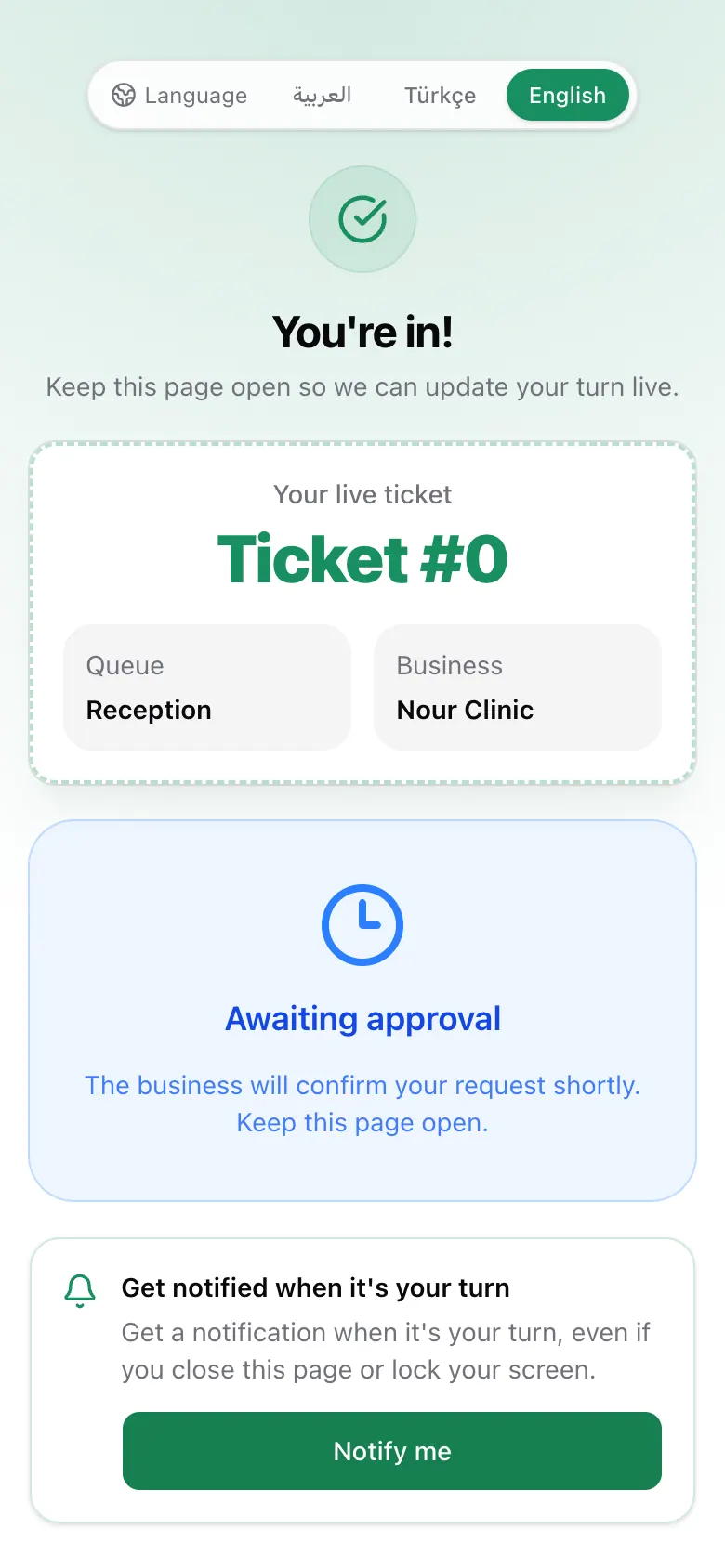
Some businesses check each request first. Your ticket then says Awaiting approval. Keep the page open. It changes by itself when they approve you.