All guides
Share your QR code and link
Print the sign for your door, share the link online, and show the code from your phone.
The customer QR code
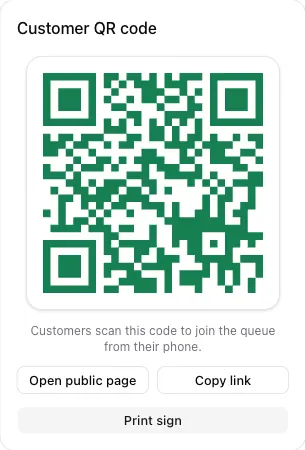
Every queue page has a Customer QR code card. Customers scan it with the phone camera to join. No app is needed.
- Open public page shows exactly what customers see.
- Copy link copies the join link. Post it on WhatsApp, Instagram, or your Google Maps listing so people can join on the way.
- Print sign opens a ready-to-print poster.
Print the sign
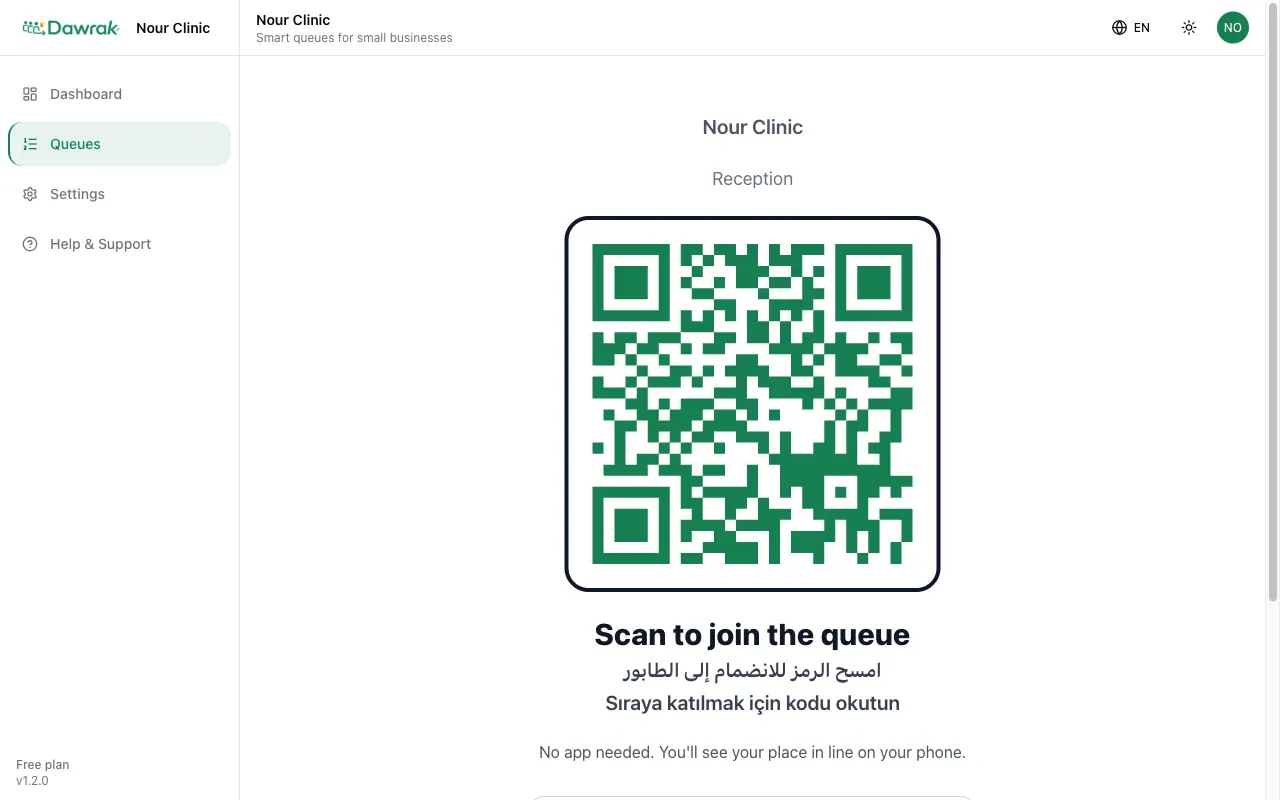
The sign carries the QR code, the queue name, and short instructions for iPhone and Android. Press Ctrl+P on Windows or Cmd+P on Mac to print it, then place it at the entrance or on the counter.
Show the code from your phone
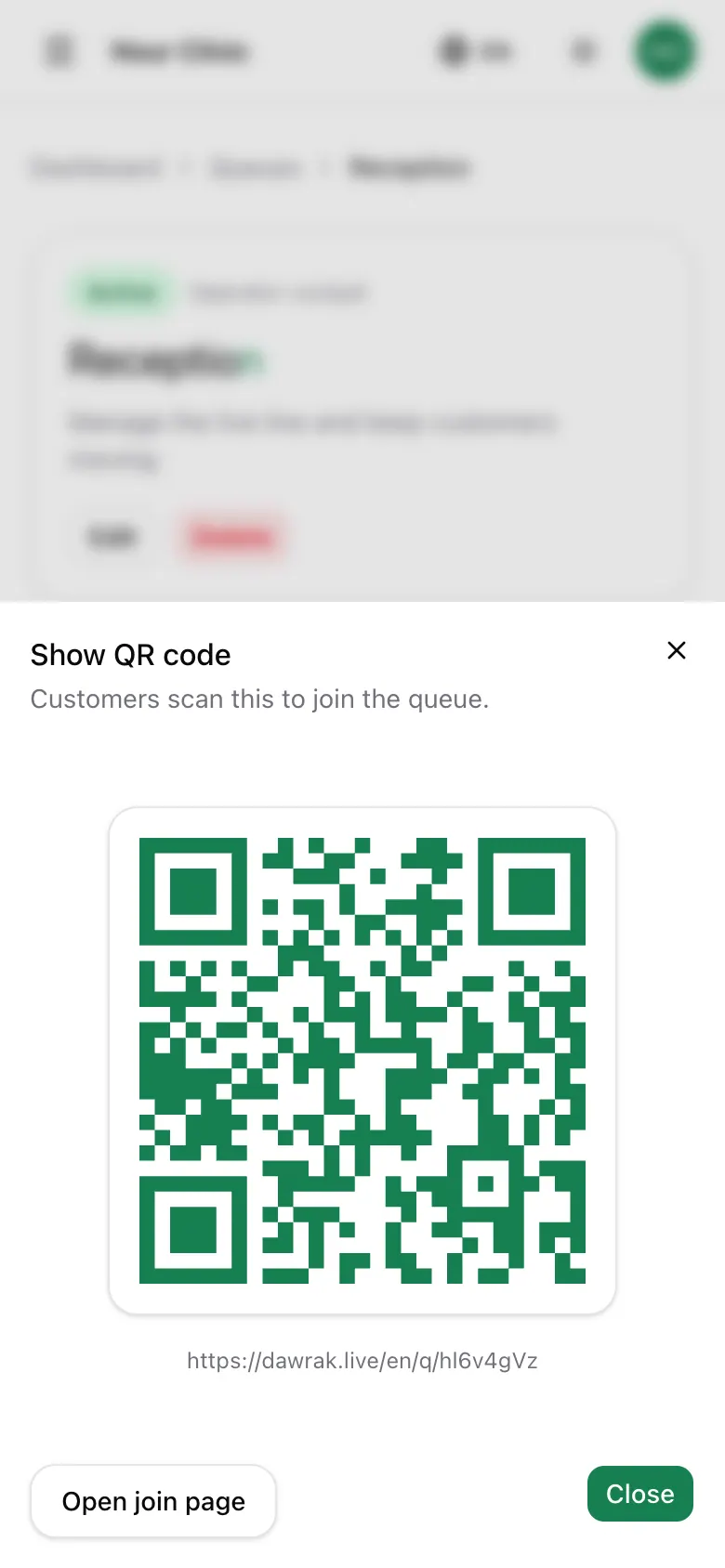
On a phone, tap QR Code in the bottom bar. The code opens full screen so a customer can scan it straight from your hand.