All guides
Book a time
Pick a day and time from the business's booking link and get a confirmation.
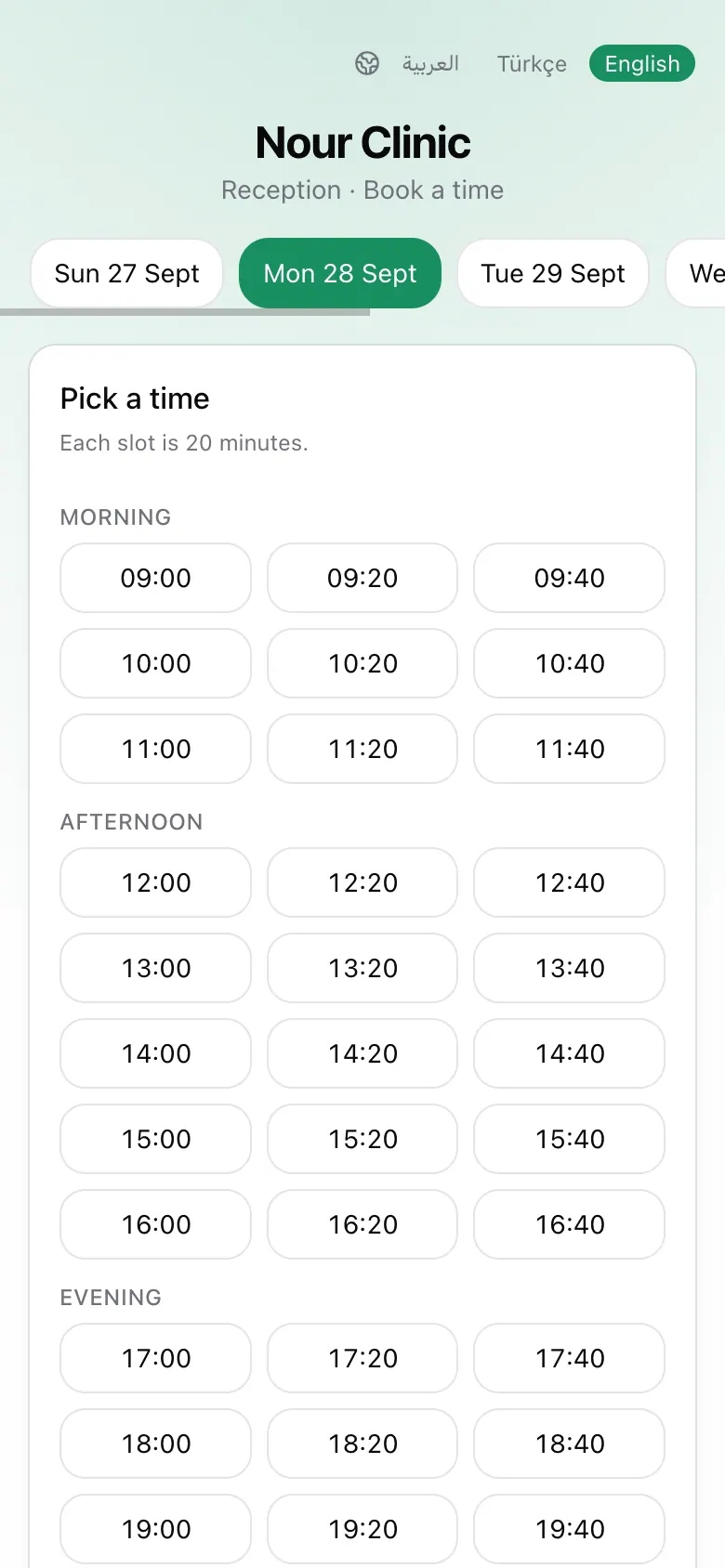
Pick a day and time
- 1Open the booking link the business shared.
- 2Under Pick a day, choose a day.
- 3Under Pick a time, tap a free time. Times are grouped into morning, afternoon, and evening.
Enter your details
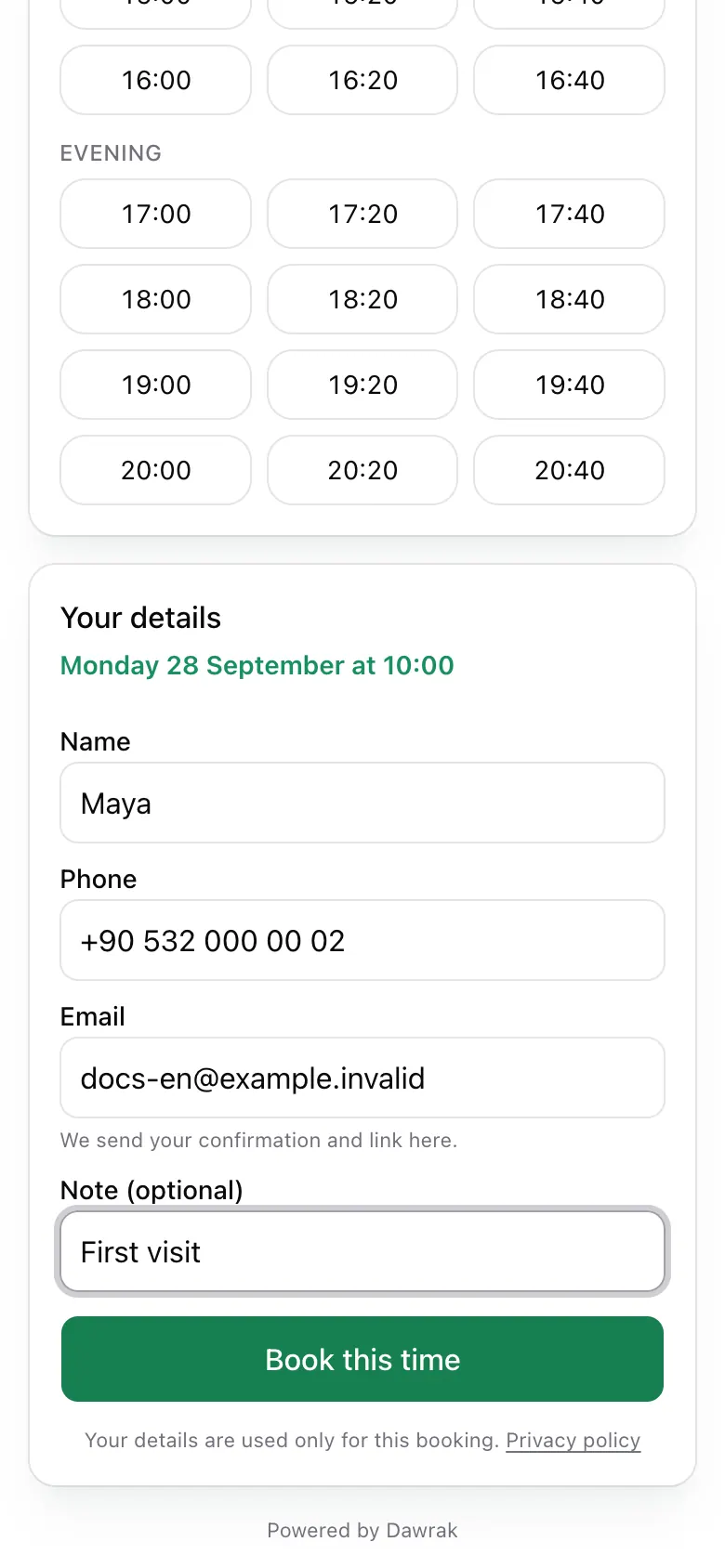
Fill in Name, Phone, and Email. All three are needed so the business can reach you and send your confirmation. Add a Note (optional) if something is useful to know. Then tap Book this time.
After booking
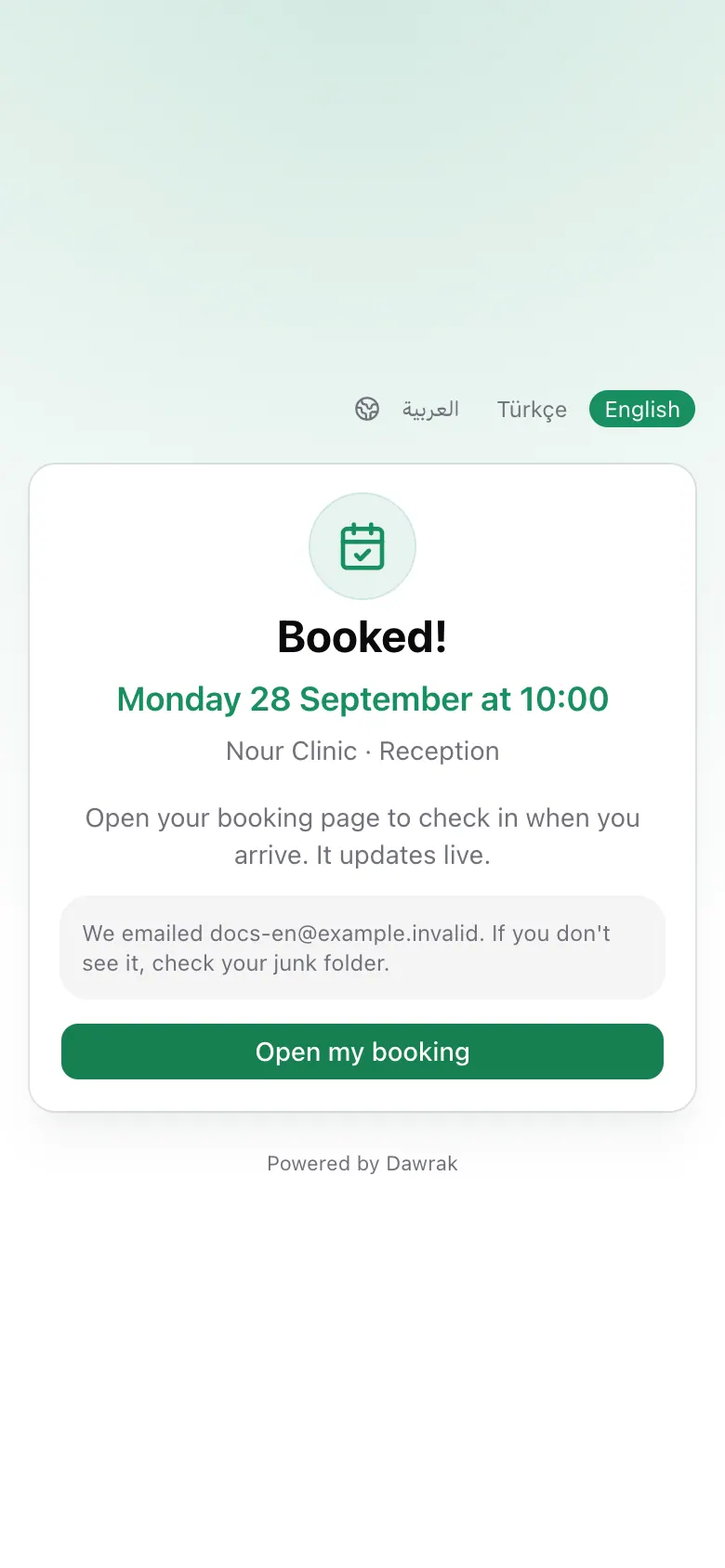
You see Booked! with your time, and a confirmation email arrives with a link to your booking. Check your junk folder if you do not see it. Tap Open my booking to follow it live.
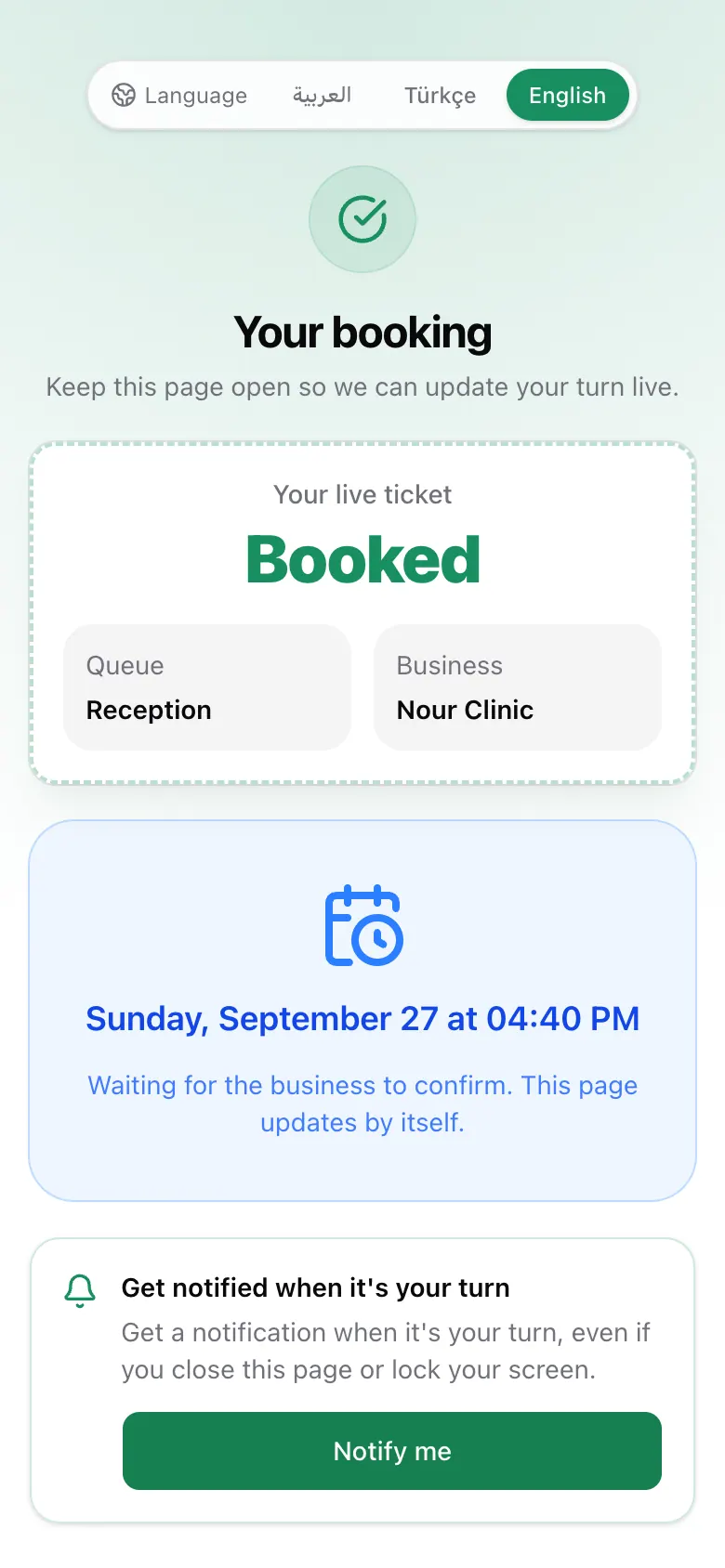
Some businesses confirm bookings by hand. You then see Booking received, and your booking page updates by itself when they confirm.